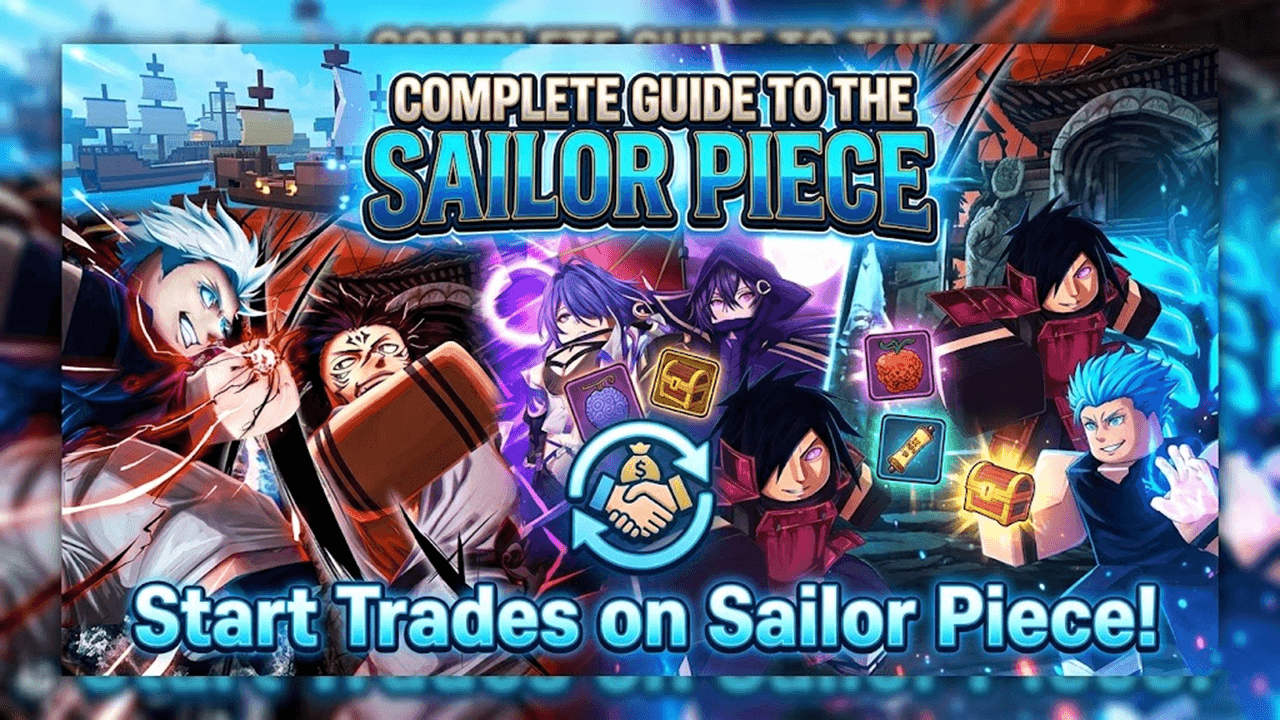
A brand-new Sailor Piece trading section is now available on TradeKitsune, complete with advanced Roblox trading tools, a fair-value trade calculator, and a full wiki. TradeKitsune has helped Roblox players around the world trade smarter using community-driven resources and intelligent tools. Our mission is to empower gamers across Grow a Garden, Blox Fruits, Escape Tsunami For Brainrot, Steal a Brainrot, and Adopt Me. From Giveaways and Value Charts to Trading features, everything we've launched has been loved by users.
Now, listening closely to your feedback, we're thrilled to roll out the all-new Sailor Piece page. Let's walk through its key features in this quick guide.
Find Best Sailor Piece Trades on TradeKitsune
Find items, check player listings, and post your Sailor Piece offers on TradeKitsune. There are 3 core features available on the trading section:
Core feature 1: Post a Trade
It is very easy to use the "Post a Trade" feature on TradeKitsune:
Step 1: Visit Create a New Trade of Sailor Piece page
Step 2: Search for Sailor Piece items you want to trade and add them to the "My Items" box on the left.
Step 3: If you want a specific offer, add the Sailor Piece items you're looking for in the right box. For open offer seekers, just switch to Open to Offers.
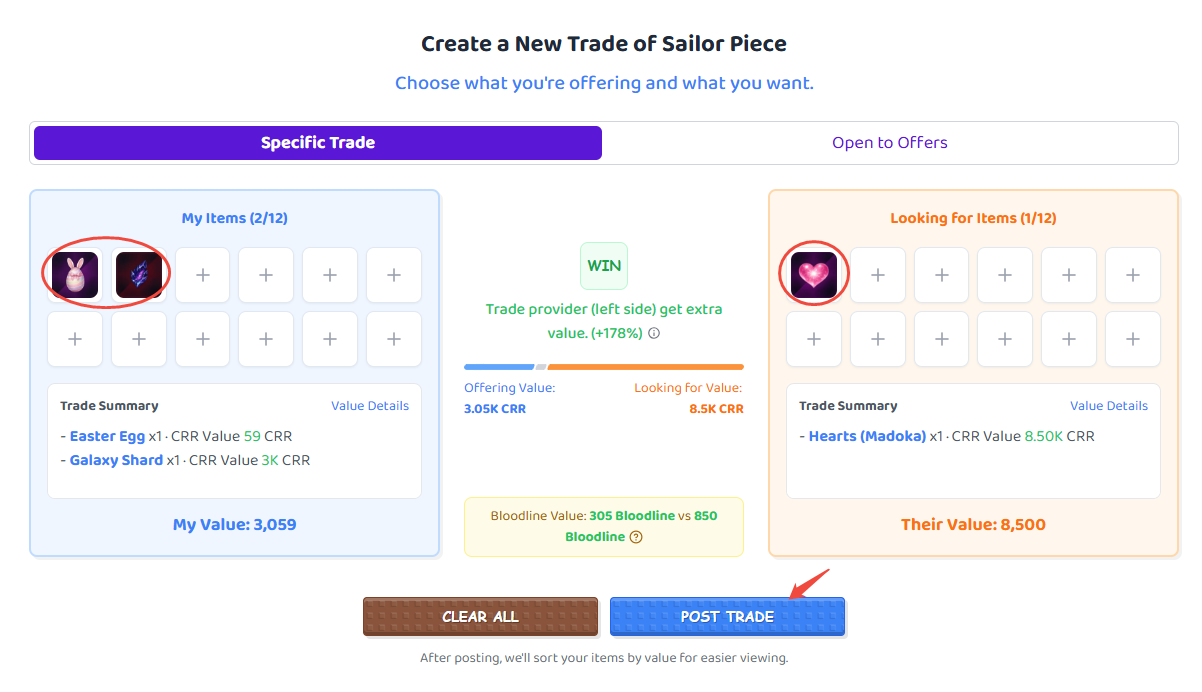
Step 4: Click the Post Trade button near the edge of the screen.
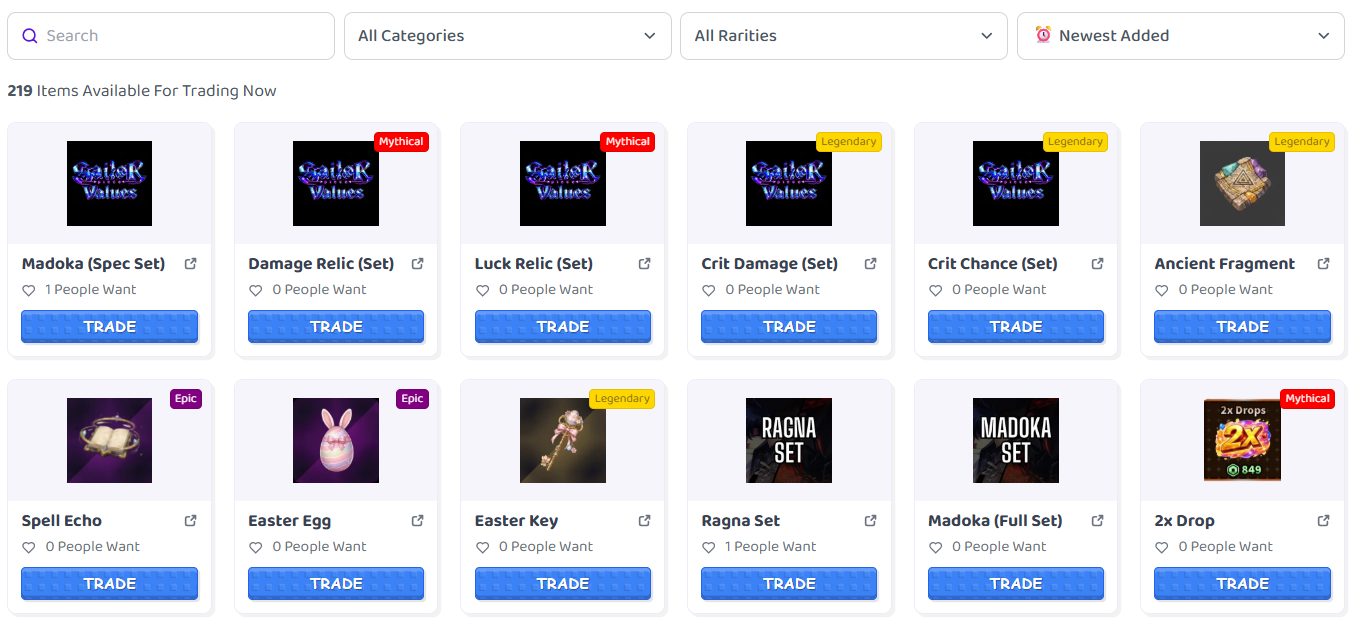
Core feature 2: Tradeable Items
Browse the real-time offers and requests for all the newest and most popular Sailor Piece items currently available.
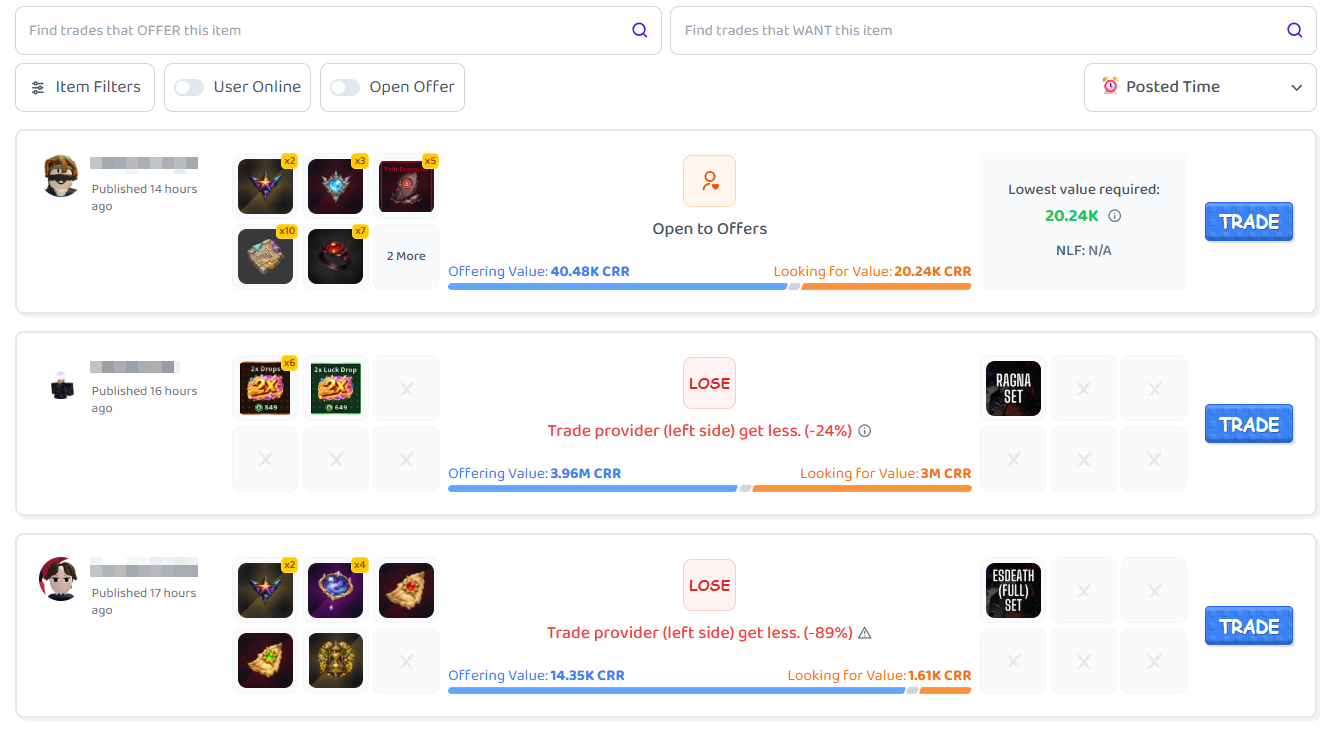
Core feature 3: Find Trades
Here you can check all the latest offers and requests for all available Sailor Piece items.
With these three main features, you can take full control of Sailor Piece trading on TradeKitsune with ease.
Sailor Piece Trade Calculator
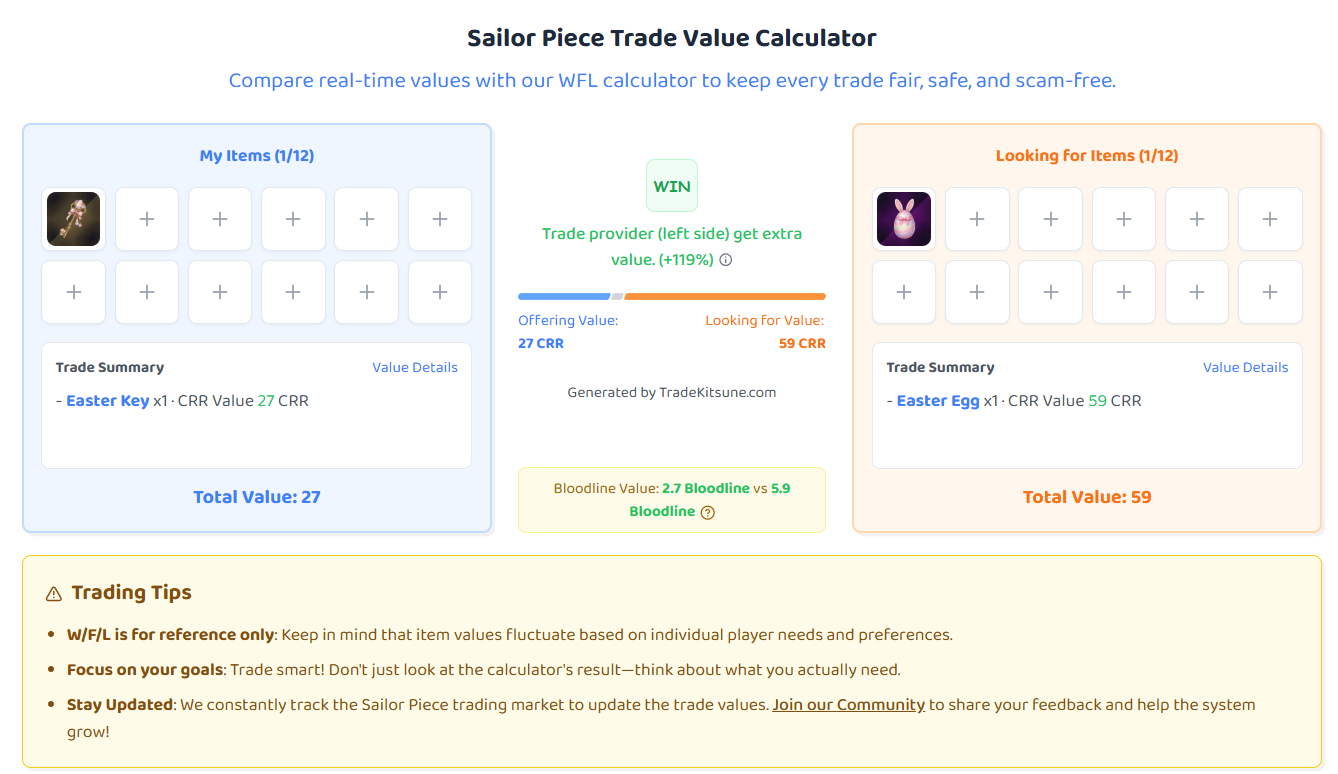
Add your Sailor Piece item info, and you can check the real-time values and your WFL status immediately! Here's how:
Step 1: Go to the TradeKitsune Sailor Piece Trade Calculator page.
Step 2: Search for your Sailor Piece item.
Step 3: On the right side, repeat Step 2 to add the offers a player gave.
Sailor Piece Wiki
For new and veteran players alike, the Sailor Piece Tier List is a fast shortcut to help beginners know the details of the items.
In the Wiki section, you can also check detailed information for every Sailor Piece item released since the game's launch.
Contact Us
Your feedback, suggestions, and ideas for improving the website are always welcome on TradeKitsune! Let us know through our three social media channels:
- Discord: TradeKitsune | Sailor Piece Trade
- YouTube: @Trade-Kitsune
You can also submit your Sailor Piece trading feedback on our official website:
- Official Site: TradeKitsune Official Site