Trading pets efficiently in Grow a Garden's Trade World requires more than just basic knowledge. To maximize your success and optimize your transactions, here are some crucial tips every trader should know.
1. Understanding Trading Locks
A common hurdle traders face is the inability to list certain pets from their backpacks. This restriction typically applies to two categories:
- Pets recently purchased from another player's shop require a 7-day cooldown before they can be traded again.
- Pets acquired through a Trading Ticket are also subject to a 7-day lock before they can be listed.
This cooldown mechanism is significant. Therefore, when transferring pets between your own accounts, avoid using Trading Tickets. Opting for direct gifting will bypass this restriction and preserve the pet's immediate listability.
2. The Art of Price Negotiation
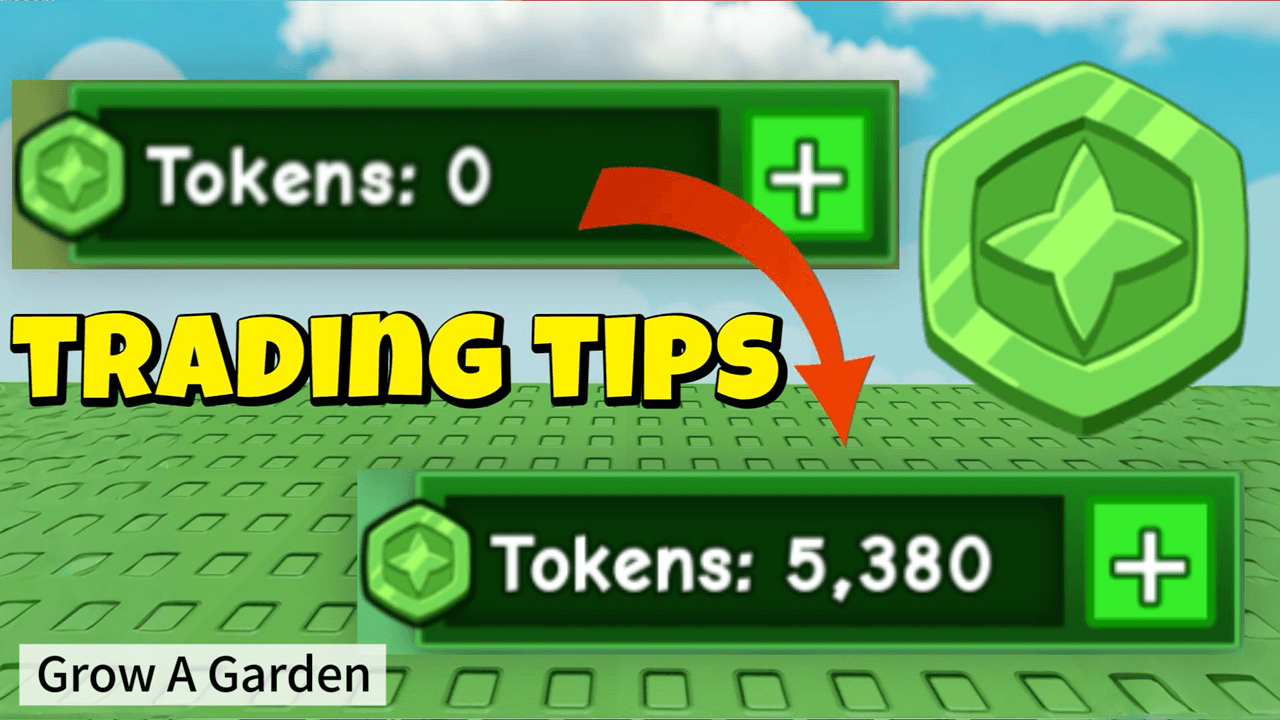
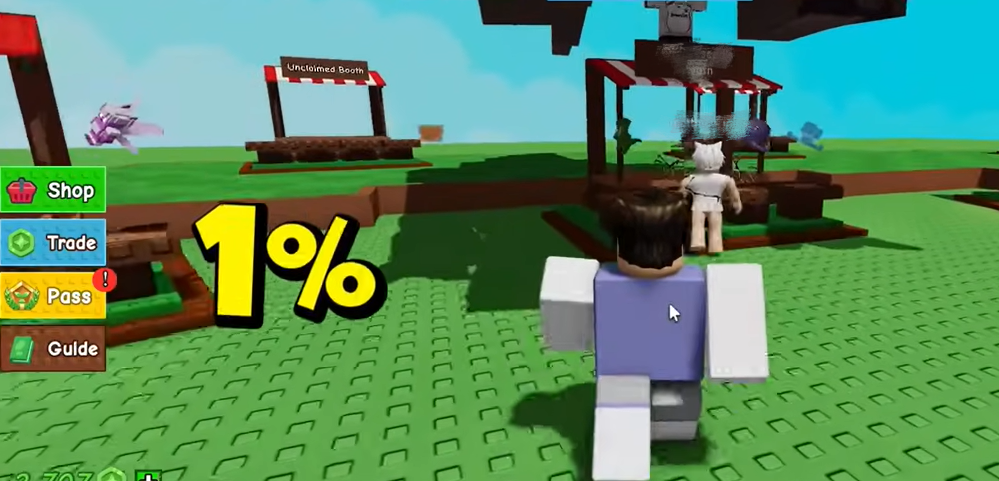
To save on costs, consider negotiating directly with sellers. Instead of purchasing a pet outright from a shop, engage with the seller and propose a trade using a Trading Ticket. This method cleverly avoids the standard 1% listing fee charged by the in-game shop. Furthermore, you can set the exact token value within the Trading Ticket without any fees being deducted, ensuring the full agreed amount goes to the seller.
3. Accurately Checking Pet Market Values
Finding the right price for a pet is key. Navigate to the Trade World and click the "Index" button in the top-right corner, then select "Pet." Here, you can search for any pet by name (e.g., "Kitsune") to view its recent average selling price as a general reference.
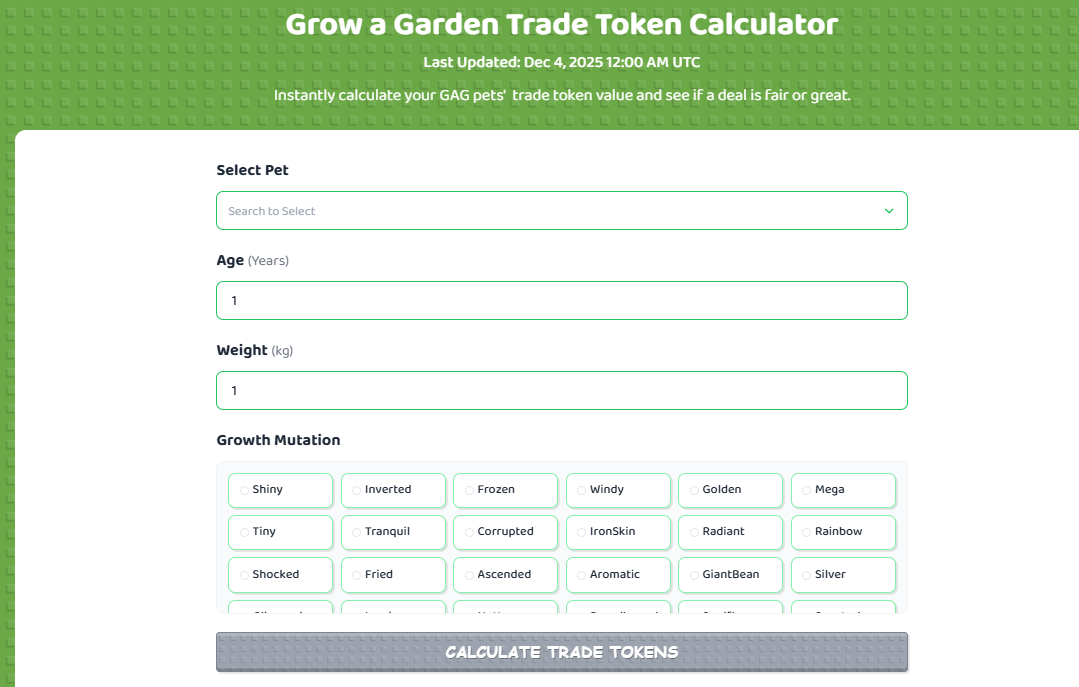
However, be aware that these averages often skew lower because they do not account for weight values, making it difficult to assess a pet's true market worth across different weights. For a precise valuation, utilize the official Trade Token Calculator. This tool allows you to adjust for specific weight and variants, providing a more accurate estimate of the real Trade Token value, which is far more reliable for informed decision-making.
On the pet price chart page, you might notice a currently disabled "Find Sellers" button. This feature, when active, could instantly direct you to servers where the pet is listed, drastically reducing search time. Its deactivation is likely due to high server traffic, as the trading hub has experienced noticeable lag recently. Should the developers restore this function in the future, locating specific pets will become significantly faster.
4. Maximizing Exposure by Switching Servers
To discover a wider selection of pets or to increase the visibility of your own listings, try switching servers. A quick method is to click "Trade" on the left menu, then select "Travel To The Gardens" at the bottom right to exit. Re-enter the Trade World using the same entrance, and you will be placed into a new server instance, refreshing the available shops and potential buyers.
By integrating these strategies—managing trade locks, negotiating to avoid fees, accurately pricing pets, and refreshing your server view—you can trade more efficiently and effectively in the Grow a Garden Trade World. Implement these tips to enhance your trading experience and boost your success rate.