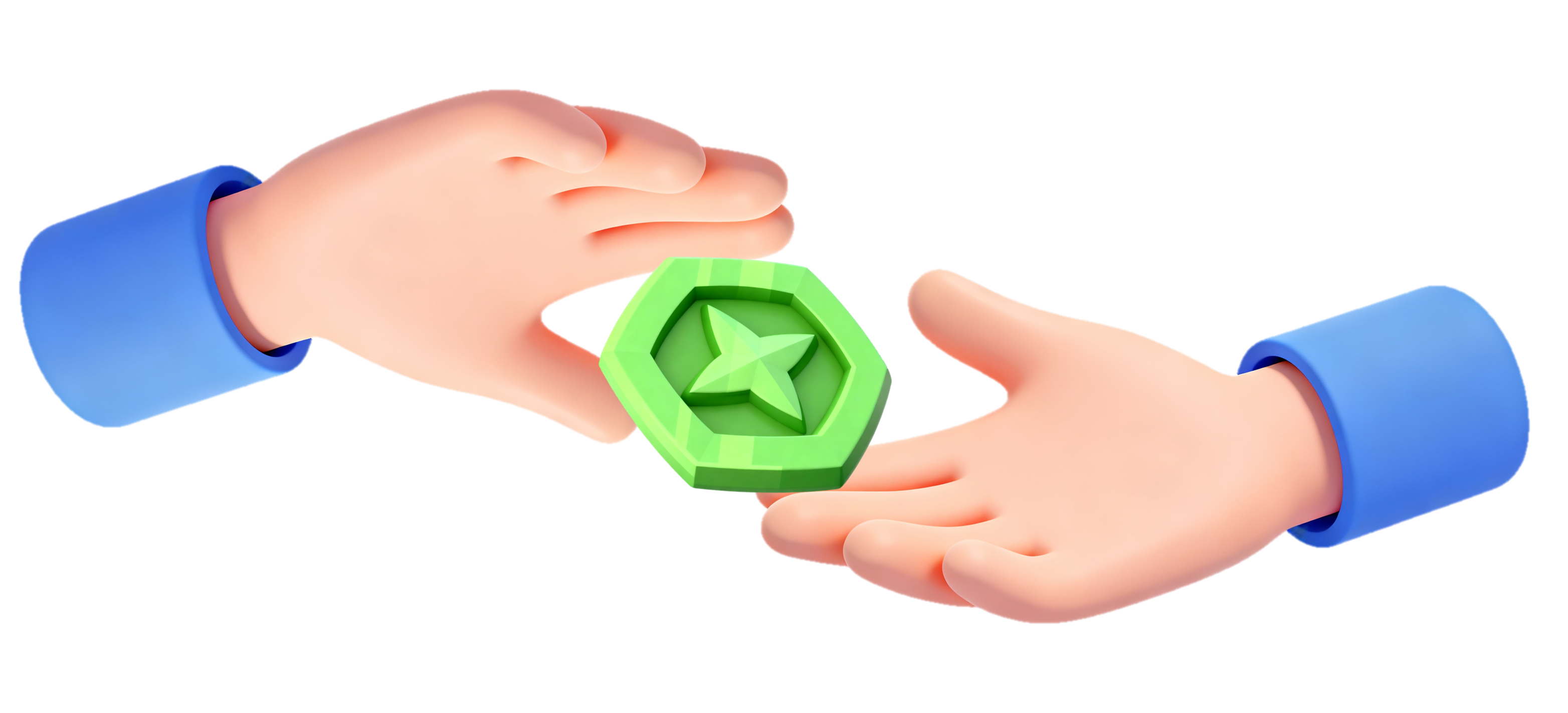
Trade Tokens serve as the primary trading currency in Grow a Garden's Farmers Market, enabling players to buy and sell items like pets, plants, and booth skins from other players' booths. Introduced in a recent update via a portal to the Trade World or Farmers Market, these Tokens cannot be earned through quests or harvesting but only via market sales or Robux purchases.

How Does Trade Tokens Work
Trade Tokens operate solely in the Farmers Market, a public trading space replacing the old Smithing hub, with booths scattered for claiming and customizing via colors or elements. Sellers list inventory items (plants, pets, booth skins; no seeds), set prices shown with "You receive" net after 1% fee (e.g., 100 Tokens yields 99), and listings persist while the player stays in the area. The RAP (Recent Average Price) system dynamically tracks market values from recent sales, rising if prices trend high or falling if low, viewable via the top-screen RAP Index for all tradable items except Titanic Pets.
How to Trade Tokens on TradeKitsune
-Specific Trade-
Easily trade Tokens for specific pets by following these steps:
1. Navigate to TradeKitsune > Trade > Post a Trade.
2. Click the "+" button in the "My Items" box.

3. Go to the "Token" tab and enter the number of Tokens you wish to trade.
4. CONFIRM your input.
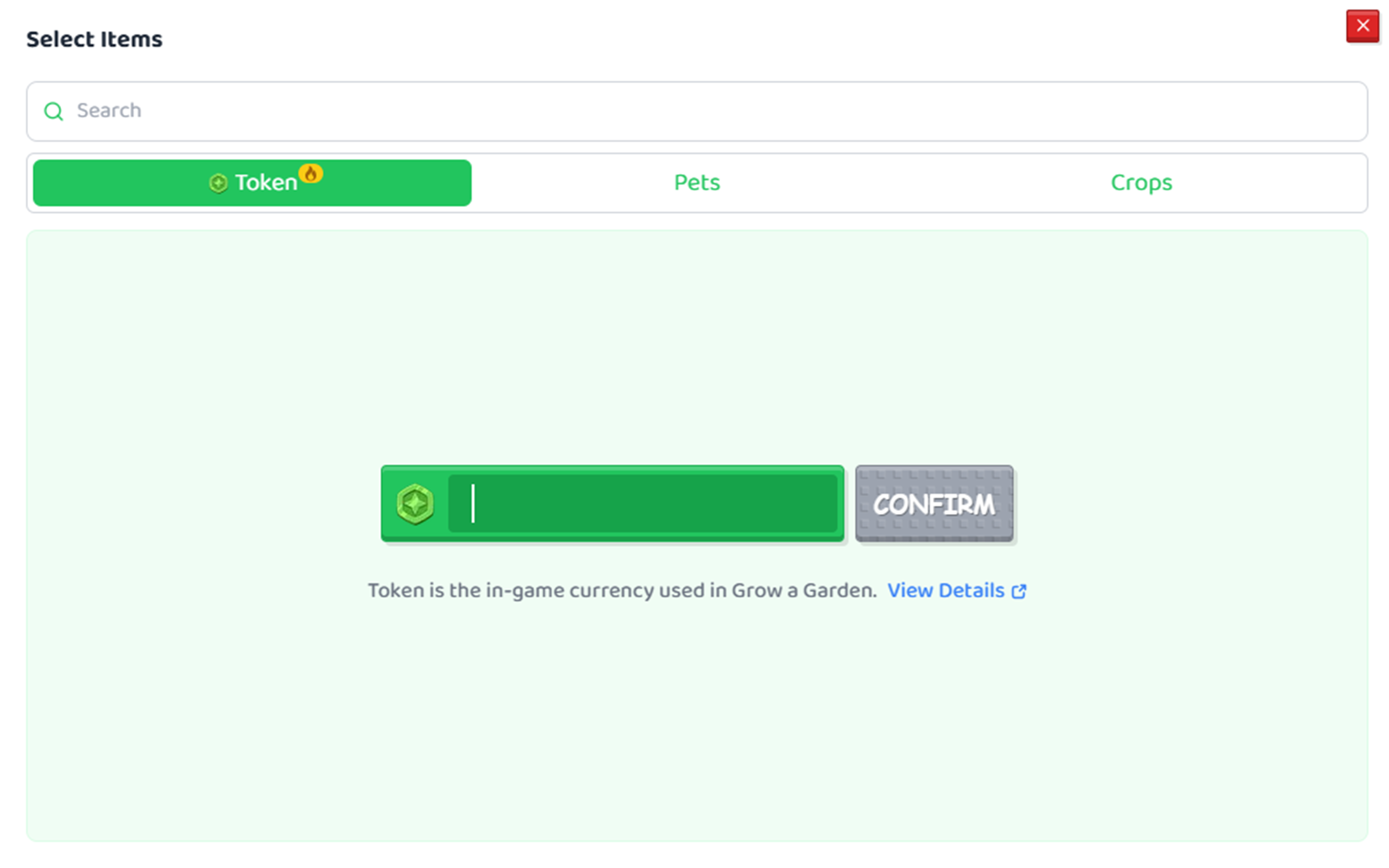
5. Add ("+") the pet you're looking for on the right.
6. Hit "POST TRADE".
If you wish to trade specific pets for Tokens, just add pets to the left and Tokens to the right.

-Open to Offers-
1. Go to TradeKitsune > Trade > Post a Trade.
2. Switch to the "Open to Offers" tab.
3. Add ("+") Tokens or pets you're offering for trade on the left.
4. Place the pets you do not want in the right "NLF" Item Box. (Pets you don't want to receive in offers will show up as "not wanted" to buyers.)
5. Click "POST TRADE" to post your listing.

How to Get Trade Tokens in Grow a Garden
Detailed instructions on how players accumulate Tokens through sales or direct purchase in the Farmers Market (Trade World):
Method 1 - Purchasing with Robux
Buy instant bundles directly in the Farmers Market or Trade Menu for quick access.
How to Get Tokens in the Farmer Market (Trade World)
- Enter Farmers Market (Trade World) via the green portal or Trade button.
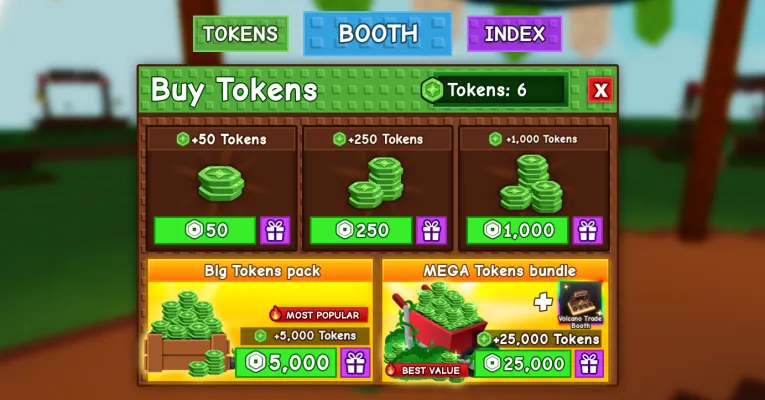
- Click the TOKENS button at the top of the screen.
- Select bundles to purchase: 50 Robux for 50 Tokens, 250 for 250, 1,000 for 1,000, 5,000 for 5,000, or 25,000 for 25,000 Tokens (1:1 rate).
How to Get Tokens via the Trade Menu
- Select the Trade Menu on the left.
- Click the "+" button at the edge of the screen to open the purchase window.
- Confirm the purchase, and the Tokens appear in your balance immediately for buying.

Method 2: Trading with Players
Earn Tokens for free by selling inventory items at claimed booths, even starting from zero.
1. Get Tokens through Farmers Market Booth
- Travel to Farmers Market (portal or UI button)
- Approach any "Unclaimed" booth and press E to claim it for free.
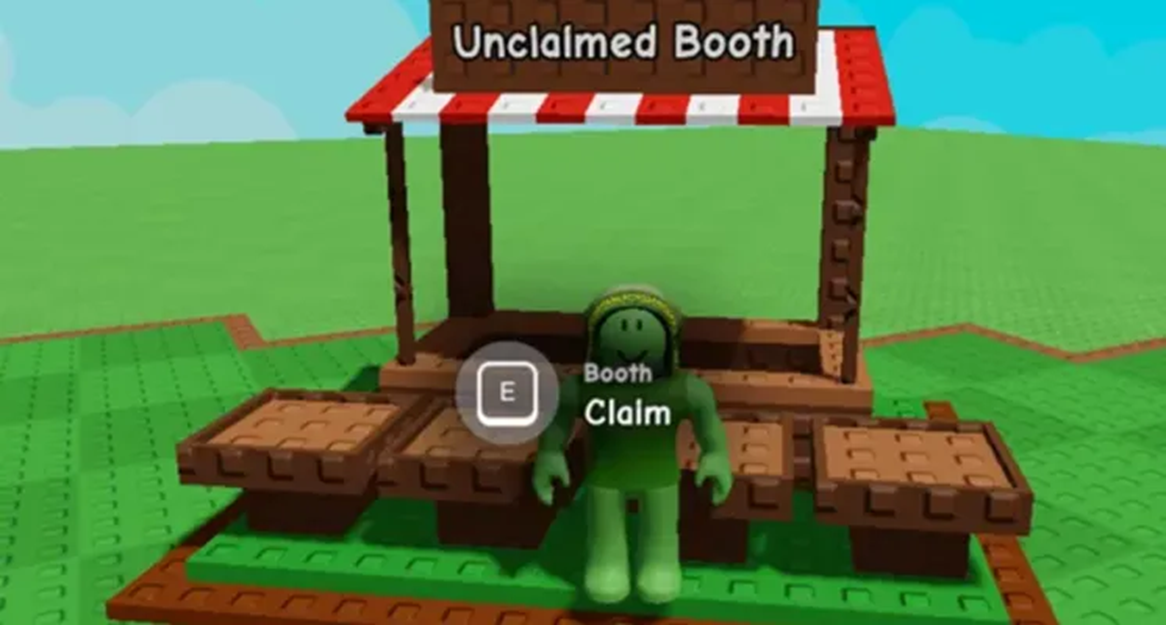
- Select and put your inventory items in your booth.

- Set prices using the RAP Index (top screen) for fair value.
- When Buyers confirm a purchase, you'll receive Tokens instantly.

2. Get Tokens through Trading Tickets
You can also get Tokens via trading directly with players in the garden or the Trade World.
- Interact with players in the garden or the Trade World.
- Make a bargain with a player who wants to pay Tokens for your pet.
- Make a deal.
- Send your ticket to the buyer.
- ACCEPT and CONFIRM the offer, and you'll receive Tokens instantly.
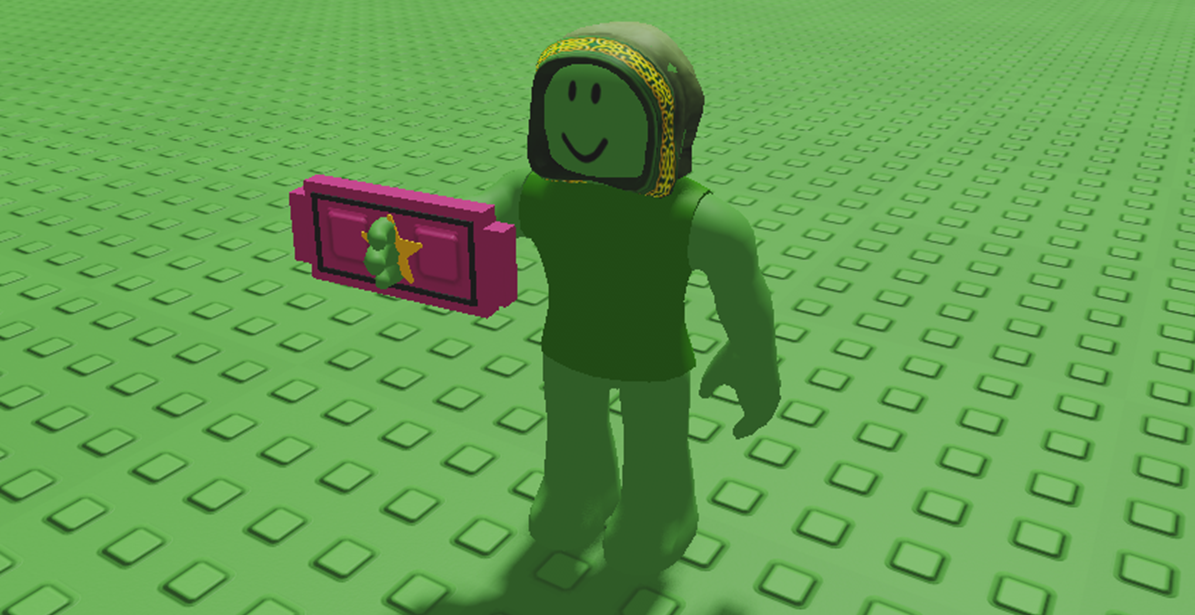
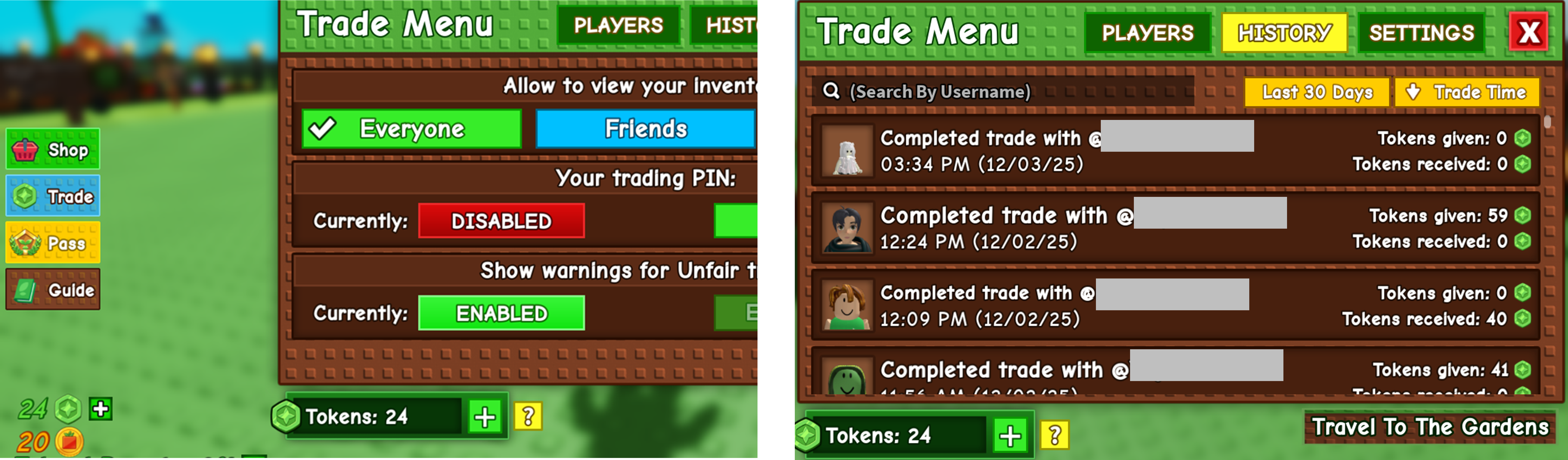
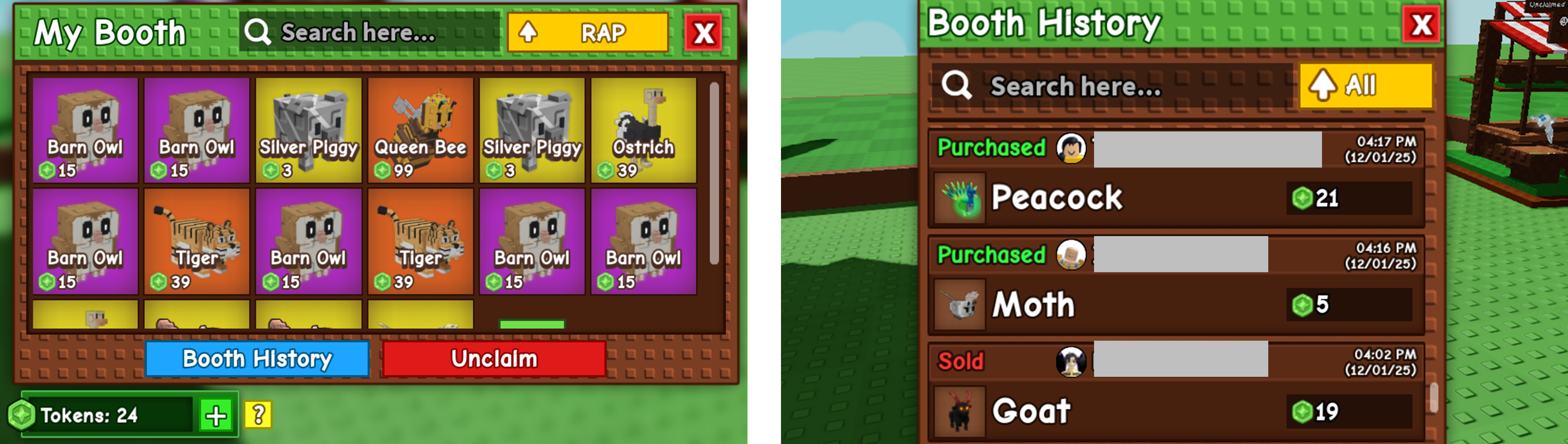
Players can check out their Booth History in two ways:
- Trade Menu > History.
- My Booth > Booth History.
Trading Strategies & Tips
Things you should know when trading:
- There's NO LIMIT on the pet showcase.
- Pet listings VANISH if you leave the area.
- 1% TAX hits sellers per sale (e.g., 2 Tokens on a 200-Token item); buyers pay full price.
Smart trading tips from real player experiences:
- CUSTOMIZE BOOTH appearance with skins to boost visibility and sales appeal.
- PUBLIC CHAT aids deal-making. Use the real-time chat feature to do SELF_PROMOTION and draw more attention.
- Players can use PET VALUE RAP for variants and market trends. For a more accurate pet value, visit TradeKitsune > Token Calculator.
- PEAK HOURS yield faster sales. Players usually show up in the Trade World at 10~12 AM and 15~17 AM.